
StudTools
StudTools is a collection of practical utilities and tools to help you in your student life: work with PDFs, track focus and habits, take notes, prepare formal photos, run calculations, and more. The list below matches every tool available from this screen.
Get StudTools on Google PlaySee the app
Screenshots from StudTools—PDFs, productivity, and everyday student utilities in one place.
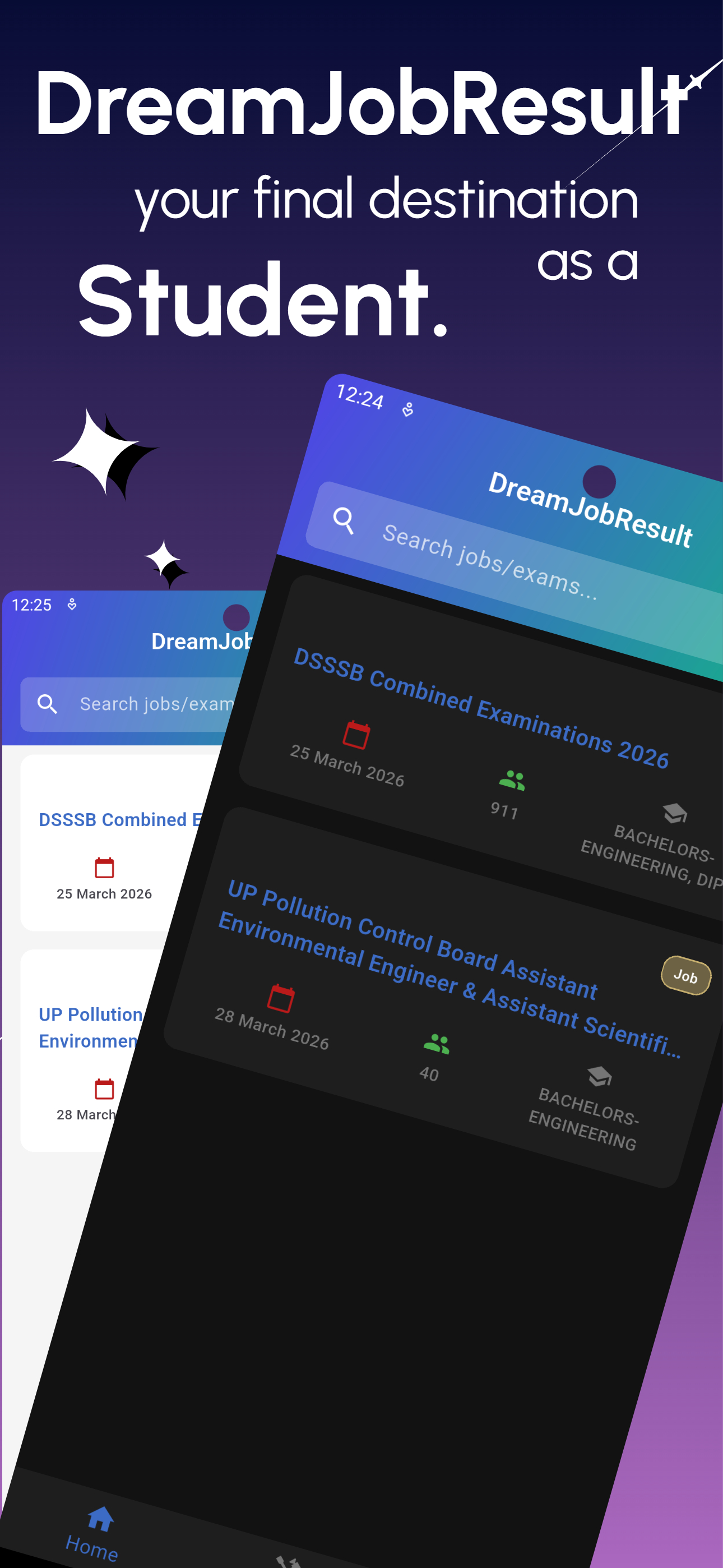
App home
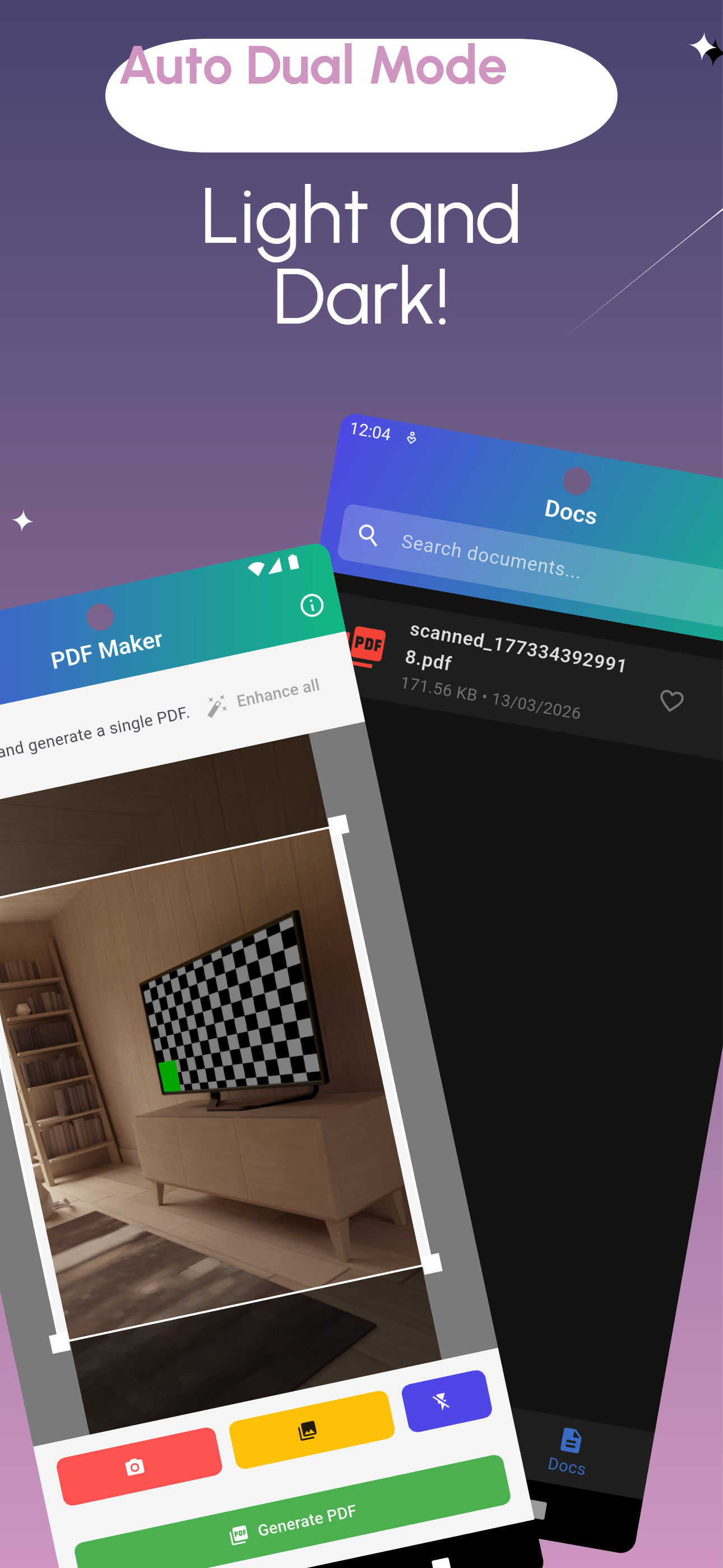
PDF tools
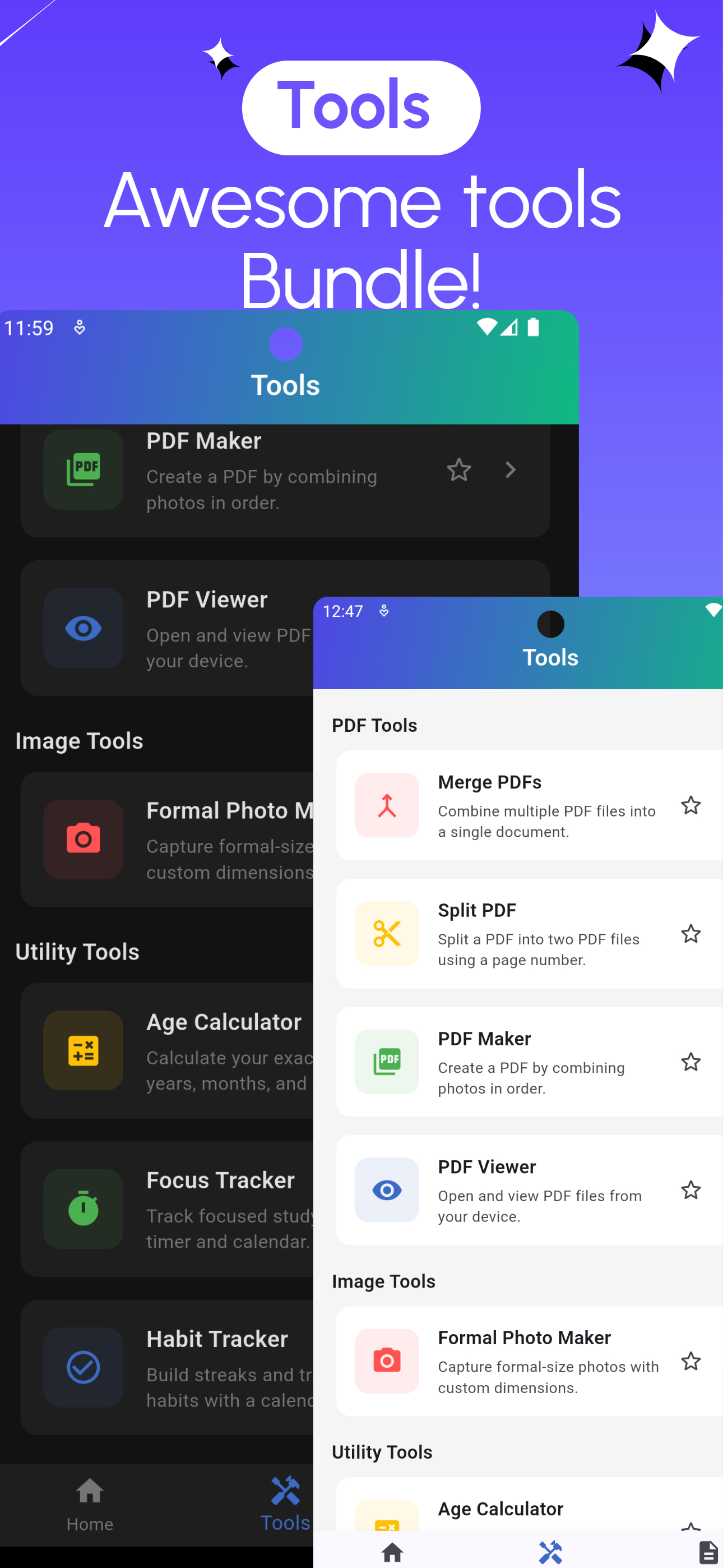
Tools
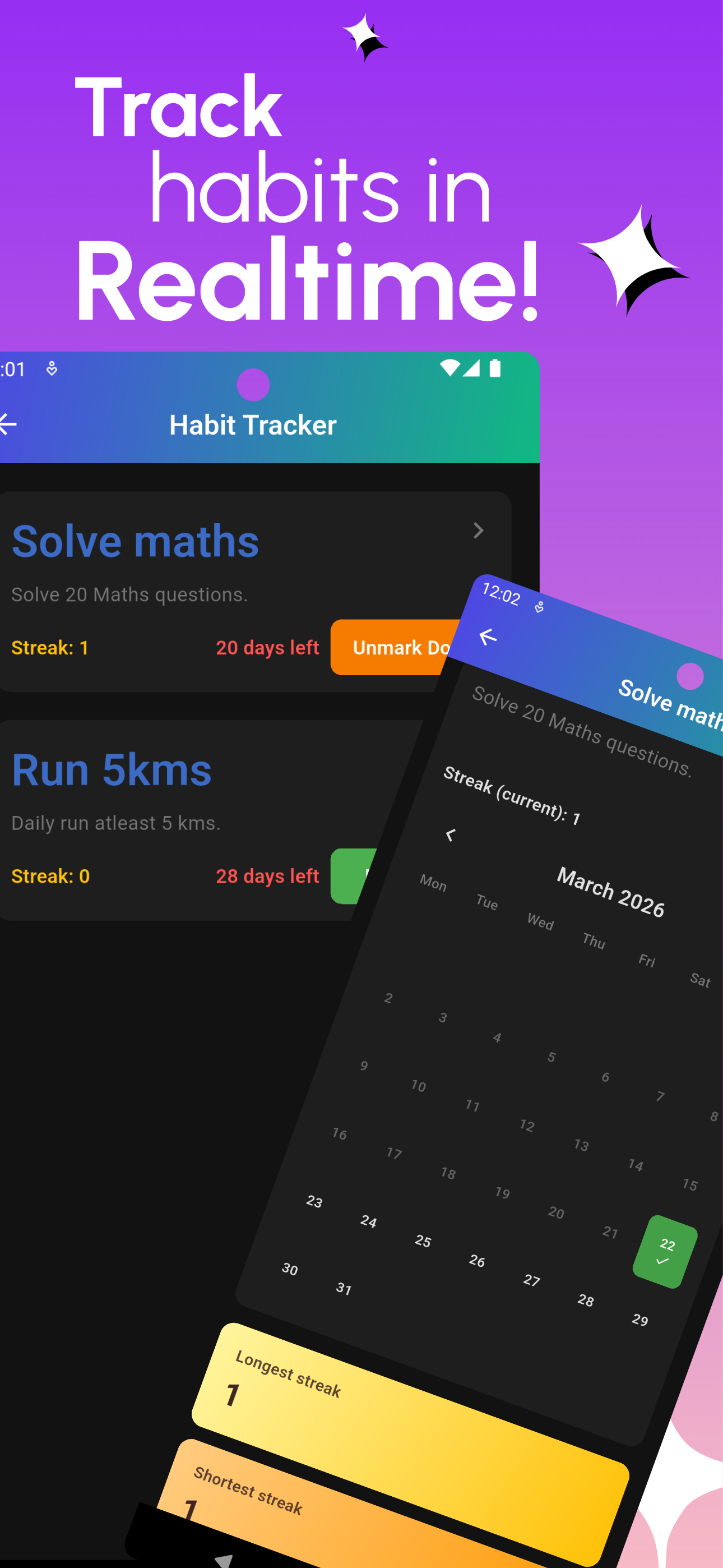
Habit Tracker
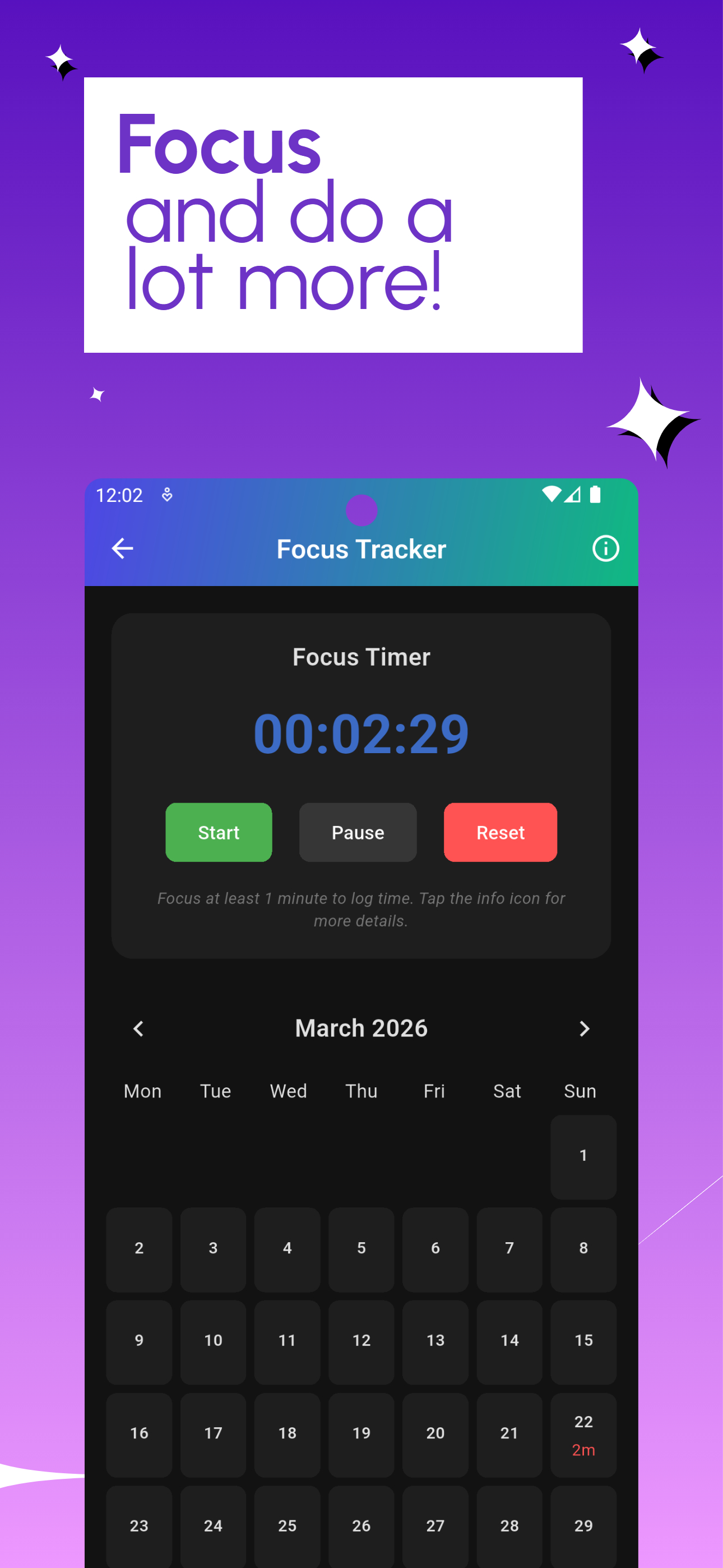
Focus Tracker
Included tools
The list below matches every tool available from the StudTools home screen.
PDF Tools
- Merge PDFs: Combine multiple PDF files into a single document.
- Split PDF: Split a PDF into two PDF files using a page number.
- PDF Maker: Create a PDF by combining photos in order.
- PDF Viewer: Open and view PDF files from your device.
Productivity Tools
- Focus Tracker: Track focused study time with a timer and calendar.
- Habit Tracker: Build streaks and track daily habits with a calendar.
- Notes: Quick notes with title and body; stored only on this device.
Image Tools
- Formal Photo Maker: Capture formal-size photos with custom dimensions.
Utility Tools
- Age Calculator: Calculate your exact age in years, months, and days.
- Calculator: Four-function calculator using BODMAS; tap = for the result.
Docs
Use the Docs tab for files you create or save with the app (PDFs, images, etc.).
Disclaimer
StudTools is provided by DreamJobResult as a utilities app for students. Tools run on your device; outputs (for example PDFs, notes, or calculations) are for your convenience. We do not guarantee that every feature will meet your specific institutional or exam requirements—always follow official instructions where they apply.
DreamJobResult is not a government or government-affiliated entity. To the fullest extent permitted by law, DreamJobResult is not liable for errors, loss, or inconvenience arising from use of the App. See also our StudTools Terms of Use and StudTools Privacy Policy.